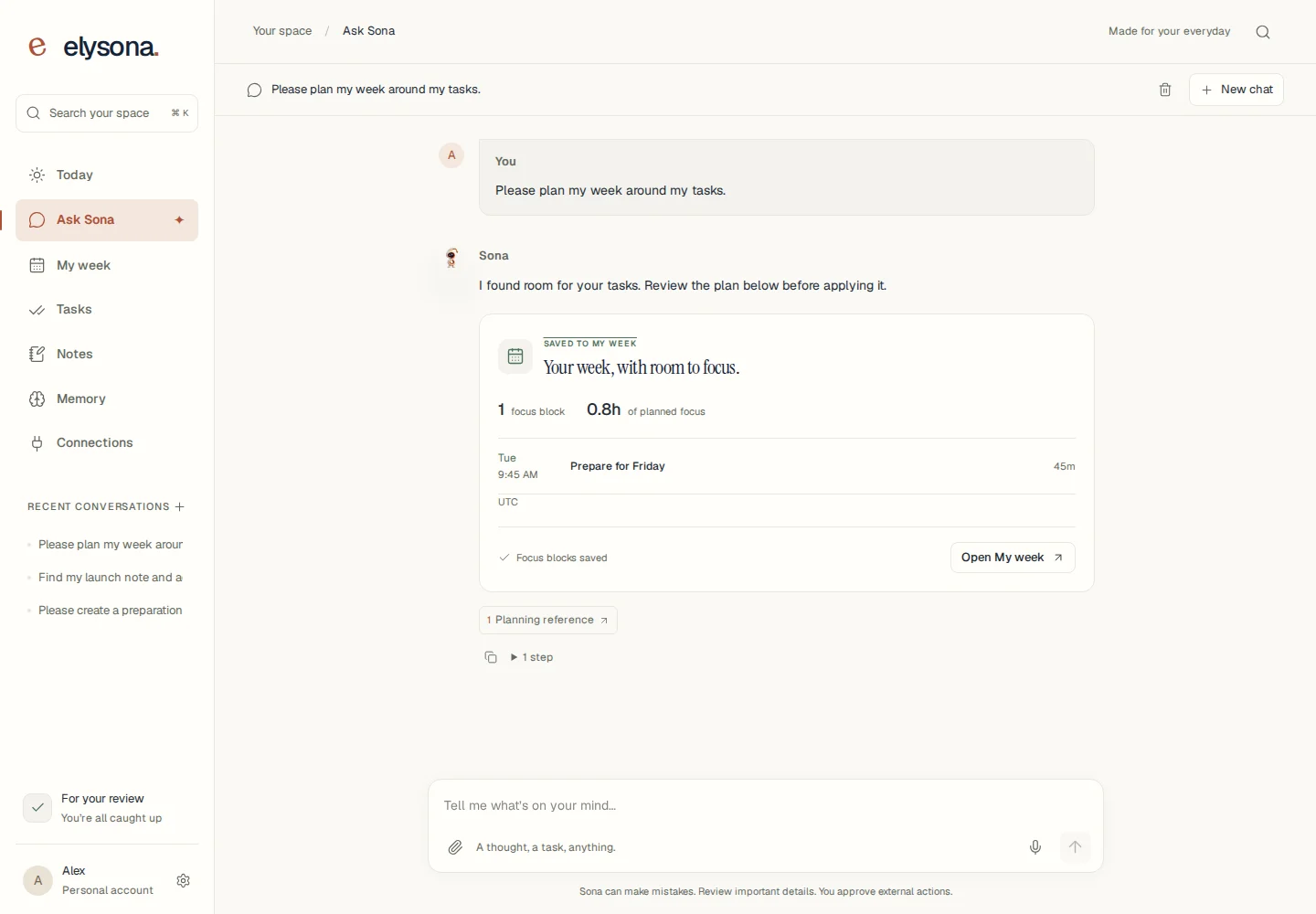
Turn a thought into a next step.
Work through a question, draft a message, or ask for help with saved tasks and notes. AI responses depend on service availability.
Explore SonaOrganize tasks, plan a week that fits, and keep useful notes in one place. Ask Sona to help you find your next step, then review what happens next.
Choose an account or guest access on the next screen. See access, limits, and service availability.

FROM A TASK TO A PLAN
This is the real Elysona interface with synthetic demonstration data and a local AI test fixture. It shows a saved focus block, not a promise about every AI response.
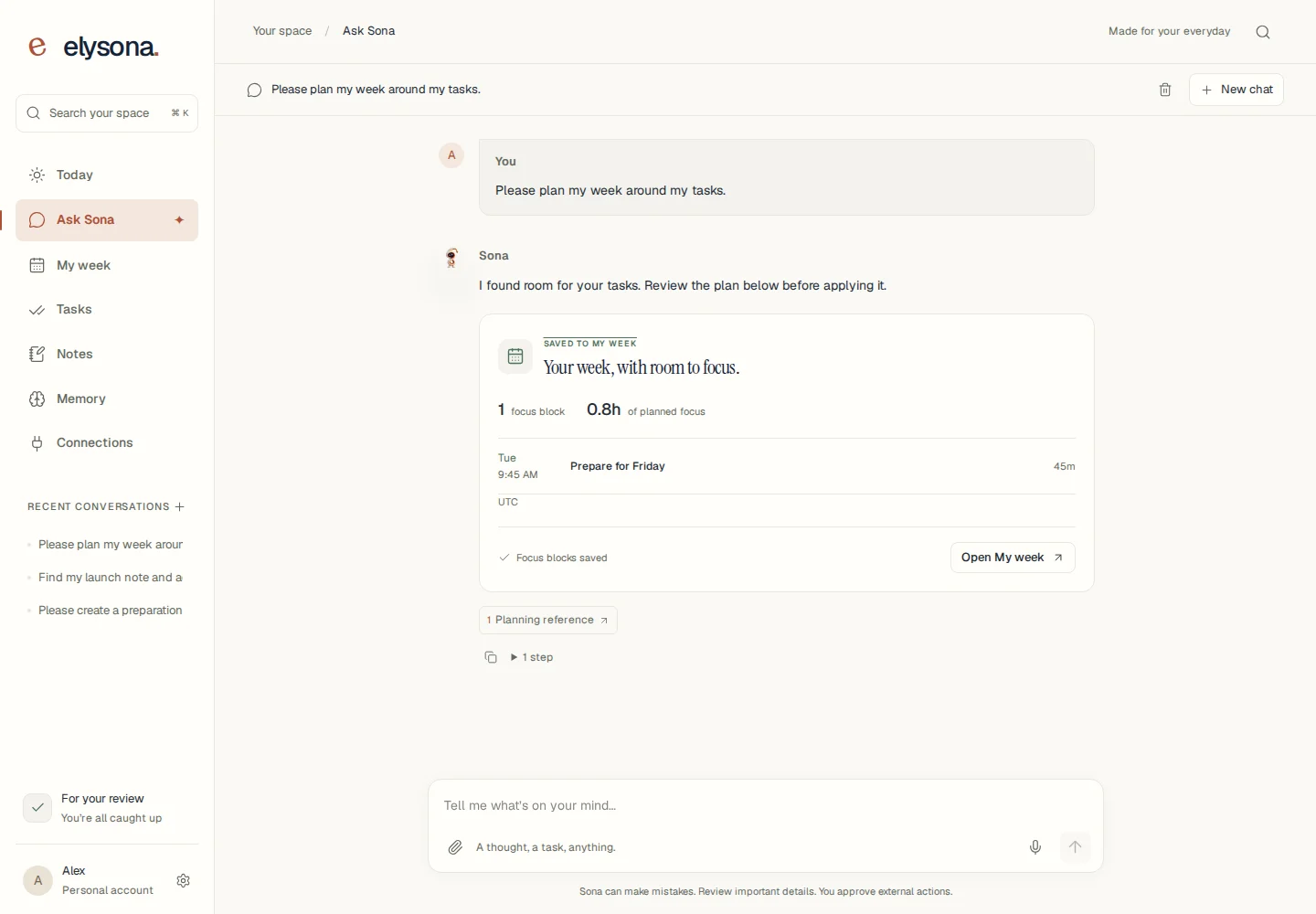
Add tasks, time estimates, and commitments. Keep supporting information in Notes.
Set your available hours and focus budget. Check the preview, conflicts, and anything that does not fit.
Approve the plan to save focus blocks. Revisit your tasks when priorities change.
HELP THAT STAYS CLOSE TO YOUR WORK
Work through a question, draft a message, or ask for help with saved tasks and notes. AI responses depend on service availability.
Explore SonaReview a schedule around your available time, task estimates, and commitments. Apply the focus blocks you choose.
Explore weekly planningWrite searchable notes and manage the preferences and context in Memory. Read, edit, pause, or delete what you save.
Explore notes and memoryTHOUGHTFUL BY DESIGN
You decide what to share and which proposed actions to approve. See what a connection can do before you enable it.
Understand Google connectionsConnected email and calendar actions require review. Availability depends on service configuration and your connection.
Read, edit, pause, or remove the context you choose to save.
Export your saved content or delete your account in Settings. Read the privacy notice for provider processing and retention details.
