Weekly planning
A week that fits your actual time.
Elysona turns your tasks, commitments, and daily focus budget into a plan you can inspect before saving. It makes room for trade-offs instead of filling every hour.
From a task list to a reviewed plan
- Set your boundaries. Choose your timezone, working hours, and daily focus budget in Settings. Add fixed commitments as events in My week.
- Make tasks schedulable. Give them a duration, priority, and due date. Break large projects into separate tasks that fit a focus block.
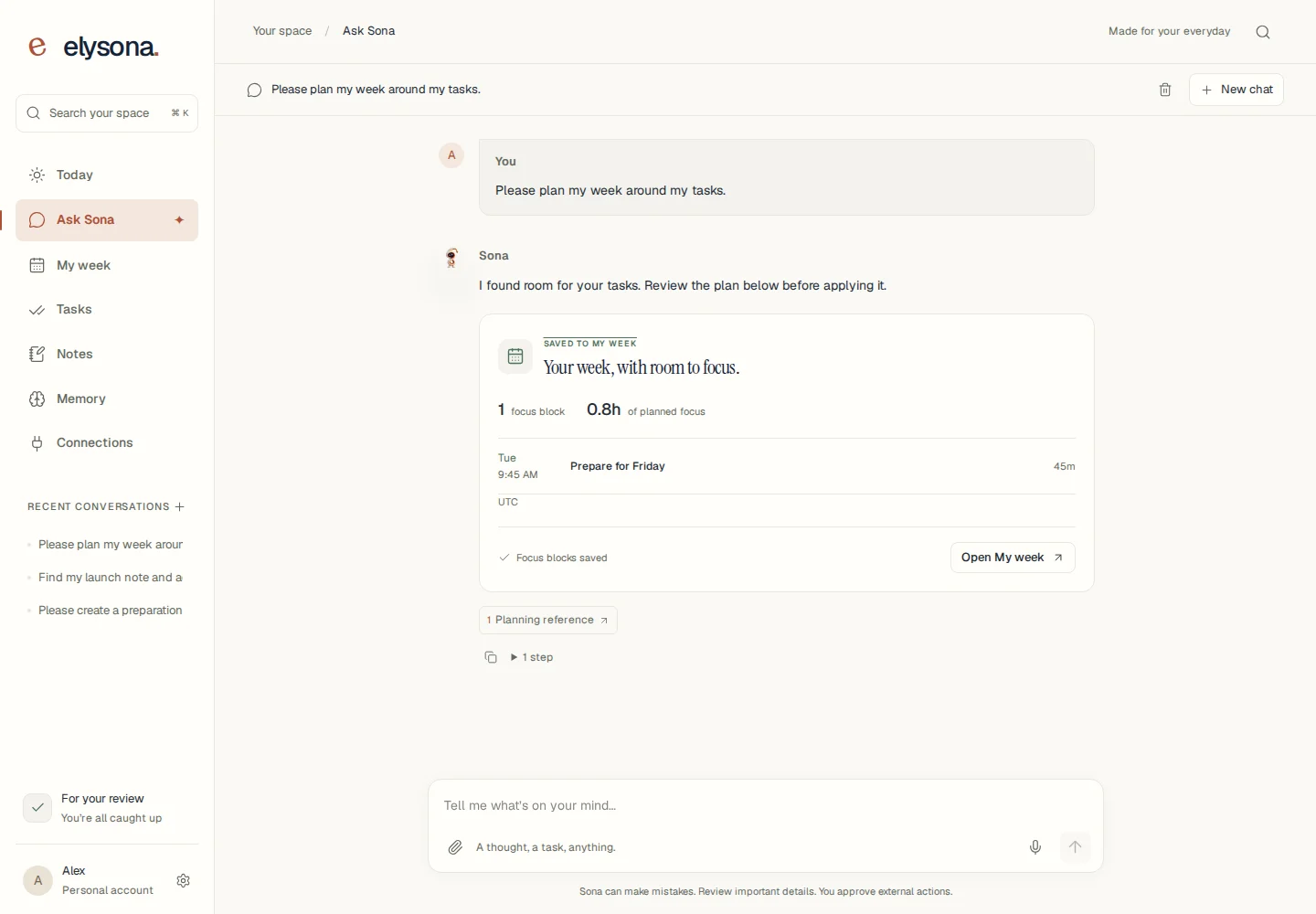
- Preview before saving. Select Plan my week. Inspect proposed blocks, conflicts, and tasks that do not fit. Choose Use this plan when you are ready.
Your capacity matters
Working hours and a daily focus budget constrain weekday planning. Tasks that do not fit remain visible for you to reduce or defer.
Changes need a fresh look
Review a new preview when tasks or calendar commitments change. Existing future focus blocks are preserved.
You approve the result
Saving a weekly plan creates focus blocks inside Elysona. It does not automatically write them to Google Calendar.
Know the boundaries
The planner works Monday through Friday. A large task is not automatically split into sessions. Exact times written in task details are context for your review, not enforced deadlines. Check the preview against travel, appointments, and anything not recorded in your calendar.
Use local events without connecting Google, or read connected events when Google Calendar is available. Manual workspace planning and AI chat are separate capabilities; see access and limits.
Try a realistic example
The weekly planning guide walks through a 12-hour week, checks the arithmetic, and includes a reusable prompt. Start with three tasks you already understand and judge whether the plan helps you finish them.